Switch networks
Use this guide to switch between Fluid and Fluid Classic mainnet and testnet networks.
-
Open Fluid Station and connect your wallet.
-
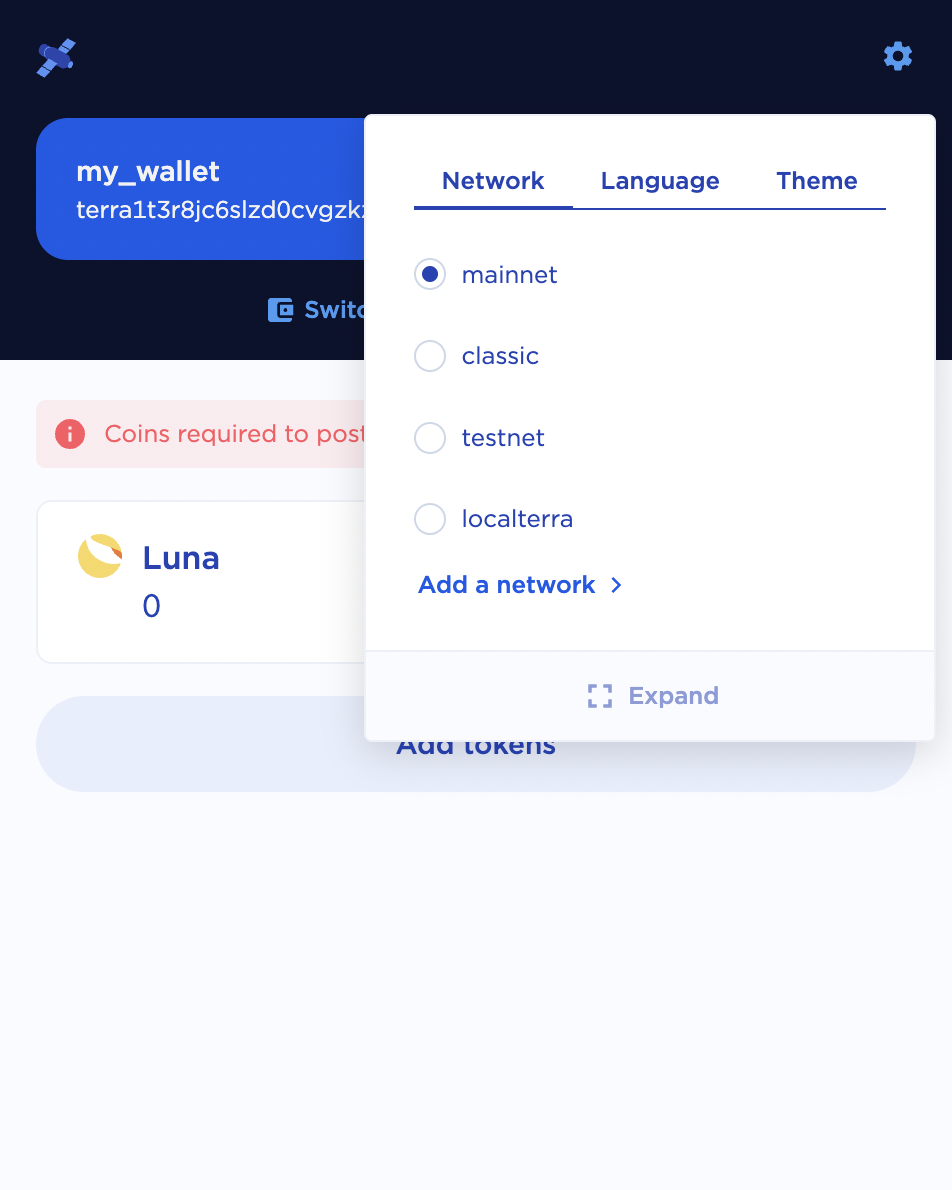
Click the network icon (in the browser extension it's a gear, in the desktop version it's a globe) in the top right of the Station menu.
-
Select the network you would like to connect to.